Smartwatch for Seniors: Which One Should You Choose?

Some images are AI generated
By: Bas | Last updated: 9 June 2026
A smartwatch for seniors is usually not an ordinary consumer smartwatch, but a senior watch that looks like a smartwatch: modern on the outside, simple on the inside. A suitable smartwatch for seniors has a physical SOS button, automatic fall detection, GPS and its own SIM card, so it works without your father's or mother's phone. When the alarm goes off, the watch calls family, not necessarily a monitoring centre, and that doesn't have to come with an expensive subscription. An Apple Watch or Samsung can do a lot, but for many people over 75 it's too complicated and too dependent on a smartphone. In this guide you'll read the difference, which features really matter, and which smartwatch suits your situation.
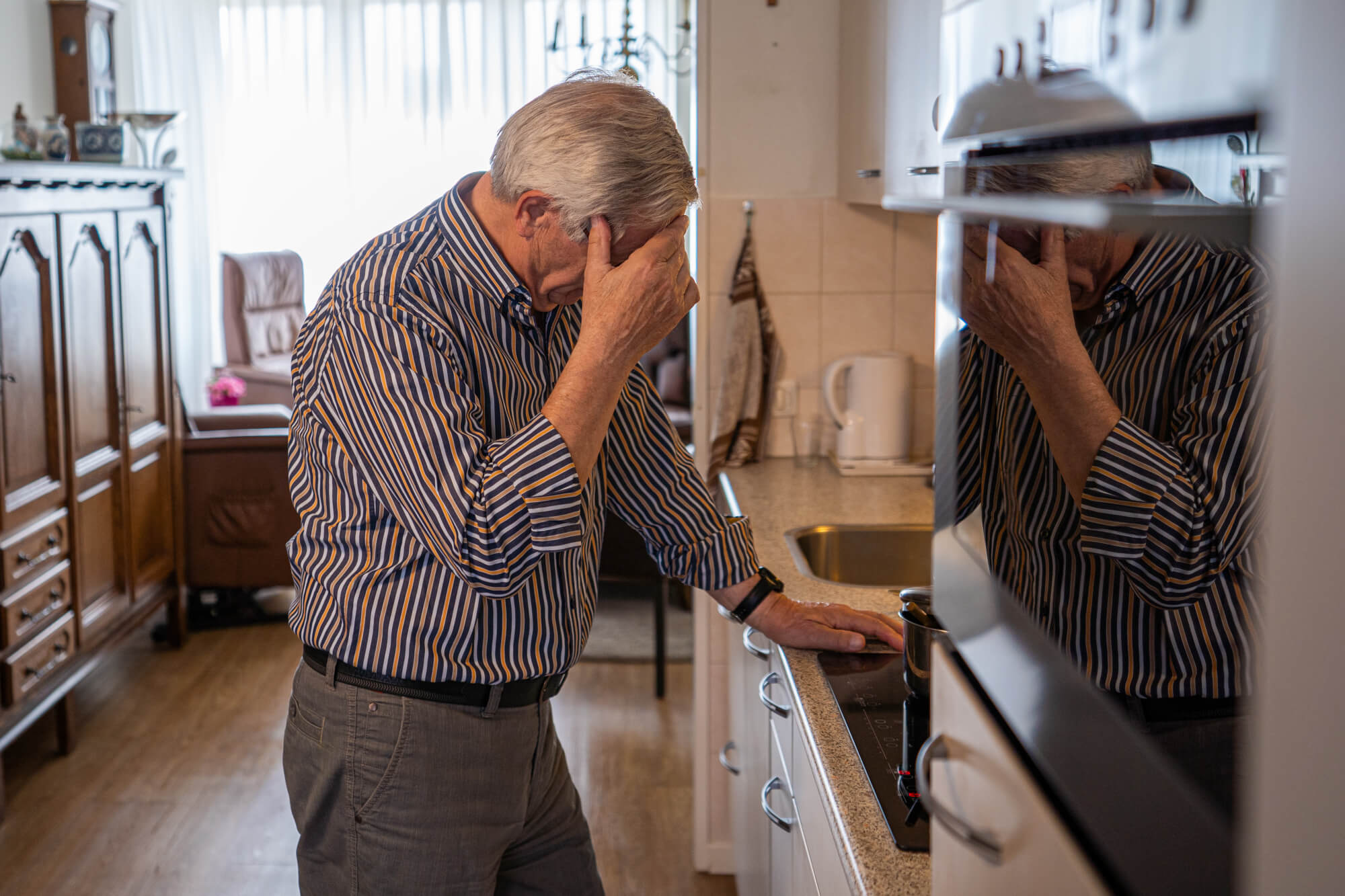
A bit of background. We're Eric and Bas, father and son. We started KUUS. after Eric's mother-in-law spent two days lying on the kitchen floor. Her phone was on the counter. That's why I didn't write this piece as a sales pitch, but as the explanation I would have wanted to read myself before we entered this market.
Contents
- What is a smartwatch for seniors?
- Smartwatch for seniors versus an Apple Watch or Samsung
- Which features really matter?
- Who gets called: family or a monitoring centre?
- With or without a subscription?
- What should you look for when choosing?
- When an ordinary smartwatch isn't the right choice
- Which KUUS smartwatch fits: S2, S4 or S5?
- Frequently asked questions
What is a smartwatch for seniors?
A smartwatch for seniors looks like a normal watch and simply does what a watch does: shows the time, the date, sometimes a step counter. The difference lies in a few things you barely notice in everyday use. An SOS button on the side. Motion sensors that can recognise a fall. And its own SIM card, so the watch can make calls itself.
In healthcare this is called mobile personal alarm systems. But nobody searches for that. People search for "smartwatch for seniors", "senior smartwatch" or "fall detection watch", because in practice that's exactly what it is: a watch that can also raise the alarm.
Important to be clear about upfront: there are two types of "smartwatch for seniors". One is an ordinary consumer smartwatch (Apple, Samsung, Garmin) that also has a fall detection feature. The other is a senior watch built specifically for this purpose. For an active person over 60 who always has their phone with them anyway, the first can work perfectly well. For someone over 80 who you call in the evening and worry whether they'll pick up, the second is almost always the better choice. This article is mainly about that second group.
Smartwatch for seniors versus an Apple Watch or Samsung
Most "best smartwatch for seniors" lists you find online put an Apple Watch, a Samsung Galaxy Watch and a Garmin at number one. Technically, those lists are right. For this target group, they often aren't.
An Apple Watch is a fantastic device. But it assumes the wearer has an iPhone that's charged, nearby, and whose settings the wearer understands. It needs charging almost every day. And the SOS function is hidden behind a touchscreen that isn't always easy to hit accurately with dry, shaky or arthritic hands.
A senior watch flips that around. It works on its own, with its own SIM card. It has a real, tactile button instead of a small screen. It lasts several days on one charge. And it doesn't show fifty features nobody asked for. That's not an inferior smartwatch. It's a different design for a different purpose.
Here's the one strong opinion we want to share in this piece: "smart" is not a quality. The senior tech market is full of smart mats, smart doorbells and smart watches. Works-when-it-matters is a quality. Smart isn't. A watch that's sometimes smart but doesn't reliably call for help after a fall is worthless for this purpose, however clever it is otherwise.
Which features really matter?
Four features make the difference. The rest is a bonus.
SOS button
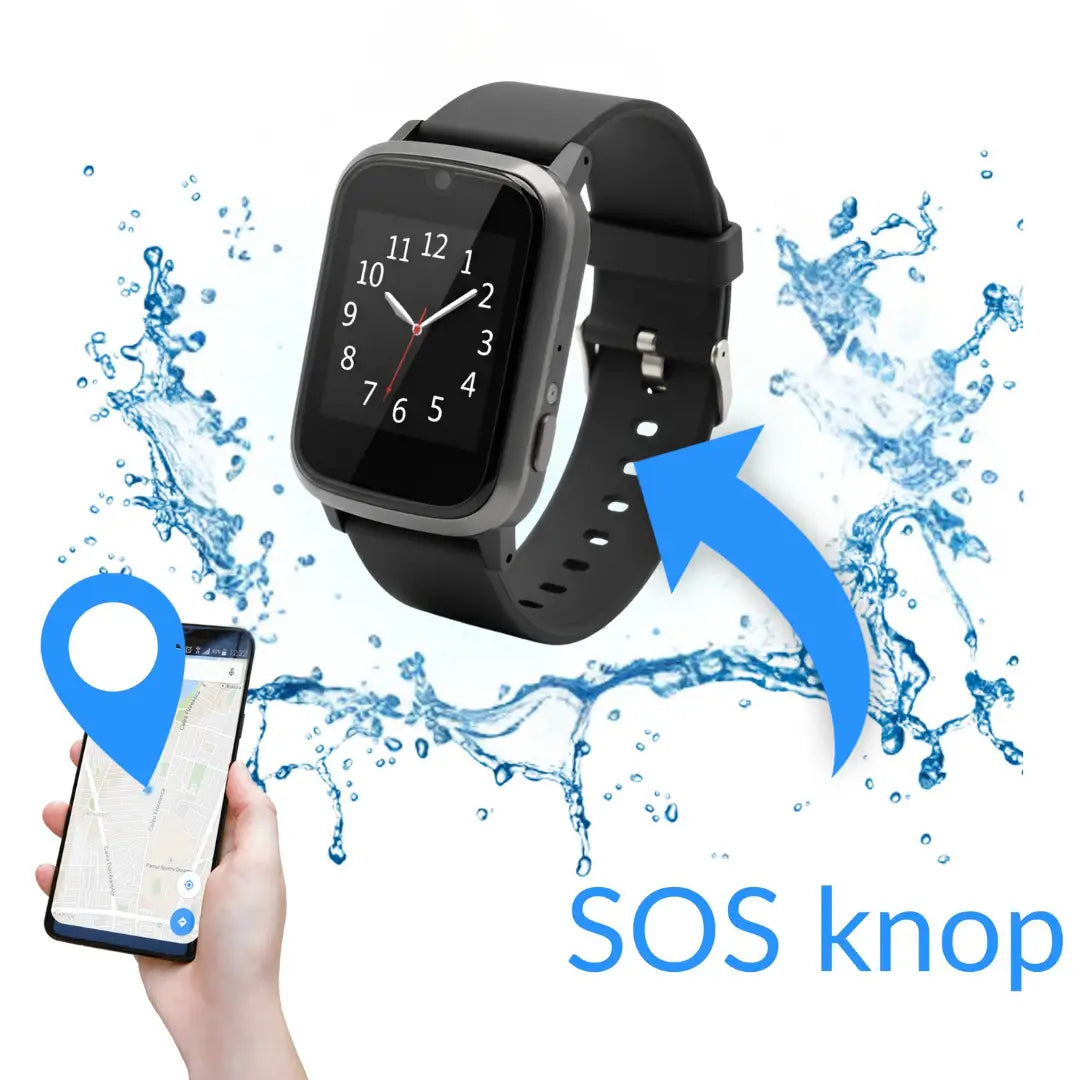
A physical button, often red, on the side. Holding it down for a few seconds activates the alarm. A brief tap does nothing, so the watch doesn't call when your mother brushes past the counter. A smartwatch with an alarm button or panic button should have that button as something you can physically feel, not as an icon on a screen. For someone with stiff hands, that's the whole difference between being able to raise the alarm or not.
Fall detection
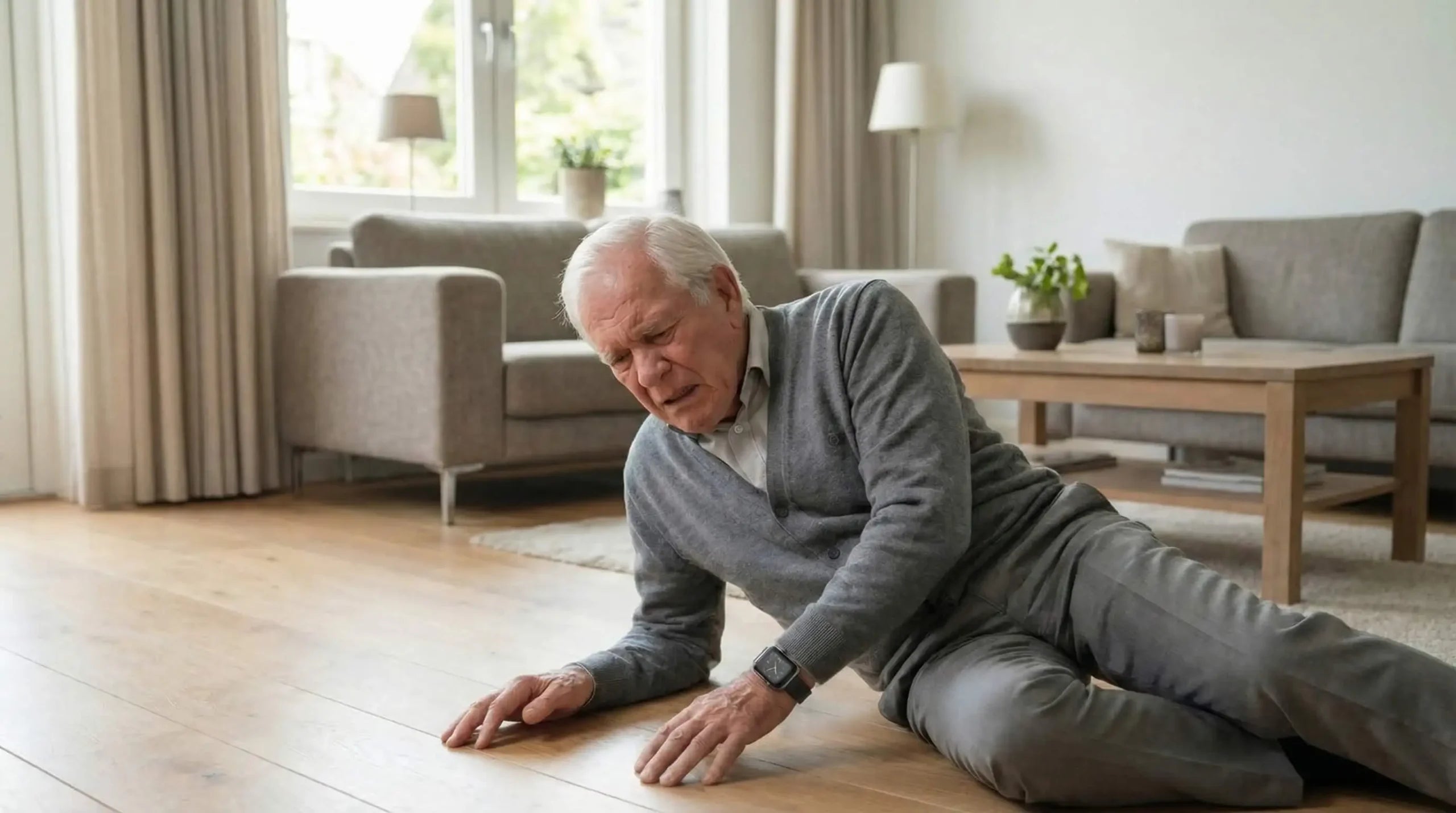
A smartwatch with fall detection recognises the pattern of a fall: a sudden acceleration followed by an abrupt stop. The watch then counts down a number of seconds, often thirty, and if the wearer doesn't switch off the alarm themselves, it calls automatically. This is especially useful when your parent can't reach the button after a fall, due to loss of consciousness, a head injury, or simply the shock.
To be honest: fall detection isn't foolproof. A dog jumping up against the watch or sitting down heavily in a chair can trigger a false alarm. Good manufacturers calibrate for this, but every now and then you'll get a call for nothing. That's not a reason to switch the feature off. A false alarm is a phone call from the neighbour. A missed fall means hours on the floor. Want to go deeper into the technology? Read our separate explainer on fall detection for seniors. Research shows that around one in three people over 65 falls at least once a year.
Calling from the wrist and GPS
A smartwatch with a calling function lets the wearer talk through a built-in microphone and speaker, with no phone needed. So when the alarm goes off, you hear each other straight away. GPS also reports where the wearer is, usually accurate to within five to ten metres in a city. This matters most if your parent gets lost, in early-stage dementia or on a walk that goes wrong. Some watches send a notification as soon as the wearer leaves a set zone. More on that in our guide to a GPS watch for seniors.
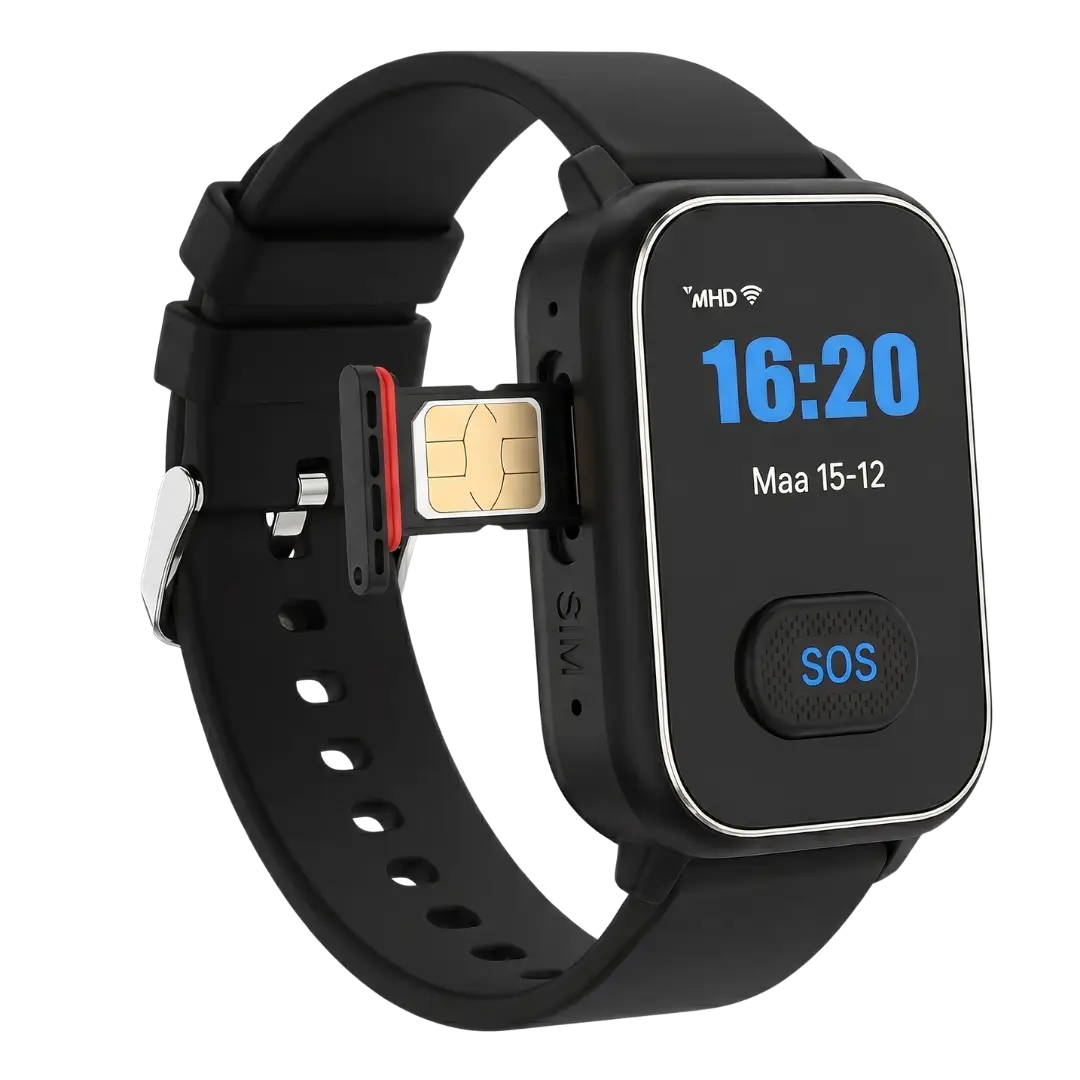
Its own SIM card, works without a phone
This is the feature that gets overlooked most. A smartwatch with a SIM card works on its own, like a mobile phone. The watch calls, texts and sends its location by itself. The wearer doesn't need their own smartphone, and you don't have to pair anything that can come loose.
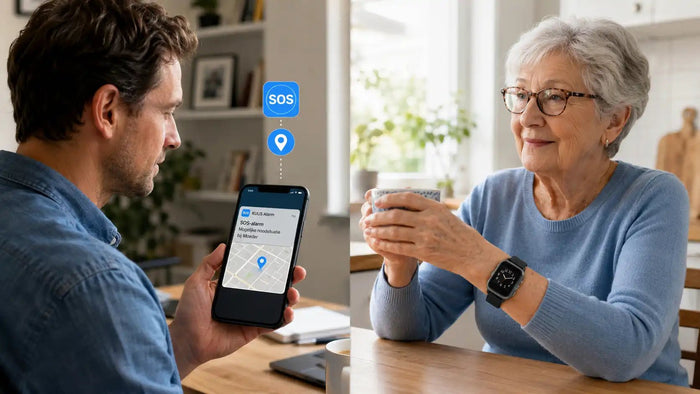
Compare that with a watch that only works if your parent's phone is charged and nearby. That's exactly the moment things go wrong: the phone is upstairs, the watch is downstairs. Its own SIM card removes that weak link. As a family member, you use an app on your own phone to see the location and set up contacts.
Who gets called: family or a monitoring centre?
This is where the biggest difference between providers lies. Two models.
Model 1, monitoring centre. The watch calls a professional monitoring centre. An operator asks what's happened, looks up the address and calls the right emergency service. This is the traditional model, and it typically comes with an ongoing subscription of €25 to €35 a month.
Model 2, direct to family. The watch calls the contacts you've set up directly: you, a sibling, a neighbour. Whoever picks up first gets your parent on the line and can act. No middle step, no subscription.
A monitoring centre is a middle layer. In a genuine emergency, you want the people who care most about you to know first, not an operator who still has to ask questions. A family member is faster and more personal, and costs nothing per month. But to be honest: if the whole family lives far away and nobody's reachable during the day, a monitoring centre can be a good addition. We're for the majority, not for every single case.
With or without a subscription?
The question every family asks at some point: do you really need a subscription? No. A smartwatch for seniors without a subscription exists. You buy the watch once, choose your own prepaid SIM card or a cheap calling plan, and it works with that.
With the subscription model, everything is bundled together, and that's convenient. But you pay €25 to €35 a month, for as long as the wearer is alive. Over a usage period of five to ten years, that's €1,500 to €4,200. For a service that's never activated in 95% of cases. That's not a scam, monitoring centres do real work. But it is an insurance model sold as care. In our view, safety for your father or mother shouldn't be a subscription product.
Let's do the maths. Three scenarios for someone aged 75 who lives independently for another five to ten years.
| Scenario | One-off | Per month | Total over 5 years | Total over 10 years |
|---|---|---|---|---|
| Traditional alarm system with a monitoring centre | ~€50 start-up cost | €30 | €1,850 | €3,650 |
| Smartwatch with a subscription | €100–€200 | €25–€35 | €1,700–€2,300 | €3,200–€4,400 |
| Smartwatch without a subscription (own SIM card) | €150–€300 | €5–€10 SIM card | €450–€900 | €750–€1,500 |
Amounts are indicative, depending on the provider and SIM card choice.
So the difference isn't twenty euros a month. It's thousands of euros over the usage period. That's money your parent can use themselves.
What should you look for when choosing?
Eight points, in order of importance:
- What does the watch look like? The single most important factor, and the least discussed. A watch sitting in a drawer is a bill, not safety. A watch that looks like an ordinary watch actually gets worn.
- Does it work on its own, without a phone? Its own SIM card is more reliable than pairing with your parent's smartphone.
- Is there a physical SOS button? A real, tactile button, not an icon on the screen.
- Does it have fall detection? Yes for frail seniors. For someone who still cycles daily, weigh it up, as false alarms do happen.
- Is there GPS? Not crucial indoors, but important outdoors.
- How long does the battery last? Two to five days is normal. Charging once a week is manageable, daily is much less so.
- Who gets called, and does it come with a subscription? Work out the total cost over five to ten years.
- Is the app usable for you? You're the one using it, so you need to find it pleasant.
When an ordinary smartwatch isn't the right choice
You don't often read this on a product page, but it belongs here. A smartwatch isn't always the answer.
- If someone is always home and in good health. If your parents live together and are both still steady on their feet, an alarm watch solves a problem that doesn't exist.
- With advanced dementia. Someone who often takes the watch off or loses it can't wear it reliably any more. Then a different solution fits better.
- If your parent is firmly against wearing any technology. That's a battle you'll lose more often than you'll win. Have a different conversation about safety in the home instead.
- If you want 24/7 professional medical monitoring. We call family. For intensive medical follow-up, a monitoring centre service is more suitable.
Better an honest no than a regrettable purchase.
Which KUUS smartwatch fits: S2, S4 or S5?
Our senior smartwatches with SOS all share the same foundation: a physical SOS button, fall detection, GPS and their own SIM card, and none of them require a subscription. When the alarm goes off, they call the family you set up. The difference lies in shape and finish.
- KUUS S2. The accessible entry model. A solid alarm watch with the core features, for anyone who doesn't need extras.
- KUUS S4. The mid-range option, with a somewhat more complete set of features and a comfortable battery life for daily use.
- KUUS S5. The slimmest model, which looks the least like an alarm watch and the most like an ordinary smartwatch. That sounds like a detail, but it's exactly why it actually gets worn.
Answers to the questions we are asked most often. Is your question not listed? Click the photo of Hans in the bottom right and he will help you further.
Don't start with the specifications, start with two questions: will it be worn, and what happens when the alarm goes off? Want to see the models side by side? Read our guide to the alarm watch for seniors. Looking specifically for the calling function? Check out the smartwatch with a calling function. And a watch can also help remind someone about medication, see medication reminders on a watch.
Frequently asked questions
Which smartwatch suits seniors?
There's no universal answer. For most seniors who still live fairly independently, a senior watch with fall detection, GPS, its own SIM card and no subscription is a good starting point. Start with the question of whether it will be worn, in other words whether it looks like an ordinary watch, and only then look at the features.
What's the difference between a smartwatch for seniors and an Apple Watch?
An Apple Watch assumes an iPhone nearby, daily charging and operation via a touchscreen. A senior smartwatch works on its own with its own SIM card, has a physical SOS button and lasts several days. For someone over 75, the second is usually more practical.
Does a smartwatch for seniors have fall detection?
The senior models do. Motion sensors recognise a fall and the watch calls automatically if the wearer doesn't switch off the alarm themselves. Fall detection isn't 100% foolproof, a hard knock can trigger a false alarm, but a missed fall weighs heavier than a call for nothing.
Does a smartwatch for seniors work without a phone?
Yes, provided the watch has its own SIM card. That's the case with almost all senior models. So the wearer doesn't need their own smartphone. As a family member, you use an app on your own phone.
Do I need a subscription?
No. There are models without a subscription where you choose your own prepaid SIM card. A subscription with a monitoring centre is a choice, not a requirement. It depends on whether family or a professional monitoring centre should be called when the alarm goes off.
Is there a smartwatch with an alarm button for seniors?
Yes. A senior smartwatch has a physical SOS or alarm button on the side, alongside fall detection. Holding that button for a few seconds starts the alarm. A brief, accidental touch does nothing.
Which smartwatch is suitable for dementia?
In an early stage, a watch with GPS and geofencing can help, you get a notification when the wearer leaves a zone. With advanced dementia, the watch is often taken off or lost, and a different solution fits better. Be honest with yourself about that.
How long does the battery last?
For senior watches, two to five days, depending on use and how often GPS is switched on. Charging once a week fits into a fixed routine, for example during a shower or dinner.
In conclusion
A smartwatch for seniors isn't a medical device and isn't a replacement for good care. It's a watch with a safety net underneath. For your parent, it's simply a nice watch to check the time. For you, it's the reassurance that a fall or a sudden turn doesn't end with hours or days on a kitchen floor.
Our mother-in-law spent two days lying there. We started this company to make sure that doesn't happen to another family. The watch is a means, not an end. Want to know which model suits your father or mother? Take a look at the KUUS alarm watches (S2, S4 and S5), all three with an SOS button, fall detection, GPS and their own SIM card, and none of them requiring a subscription.
About the author
Bas Lommen is co-founder of KUUS. Together with his father Eric, he started the company after a family incident in which a loved one spent two days lying on the kitchen floor before help arrived. More about the company on the about us page.